

Fintech / Healthcare / Real Estate / Logistics
AI Calling Agents
AI Employees
Your team loses hours to calls that never needed a person.
- Routine calls handled end to end
- Warm leads passed to your team
- Every call recorded and searchable
Choose your industry to find ready-made software we can configure for your business.
What does your business do?
Select one or more industries.











































Solutions
Showing all solutions
Fintech / Healthcare / Real Estate / Logistics
AI Employees
Your team loses hours to calls that never needed a person.


Manufacturing / Logistics / Real Estate
Sales Automation CRM
Leads live across six tools and three phones.

EdTech
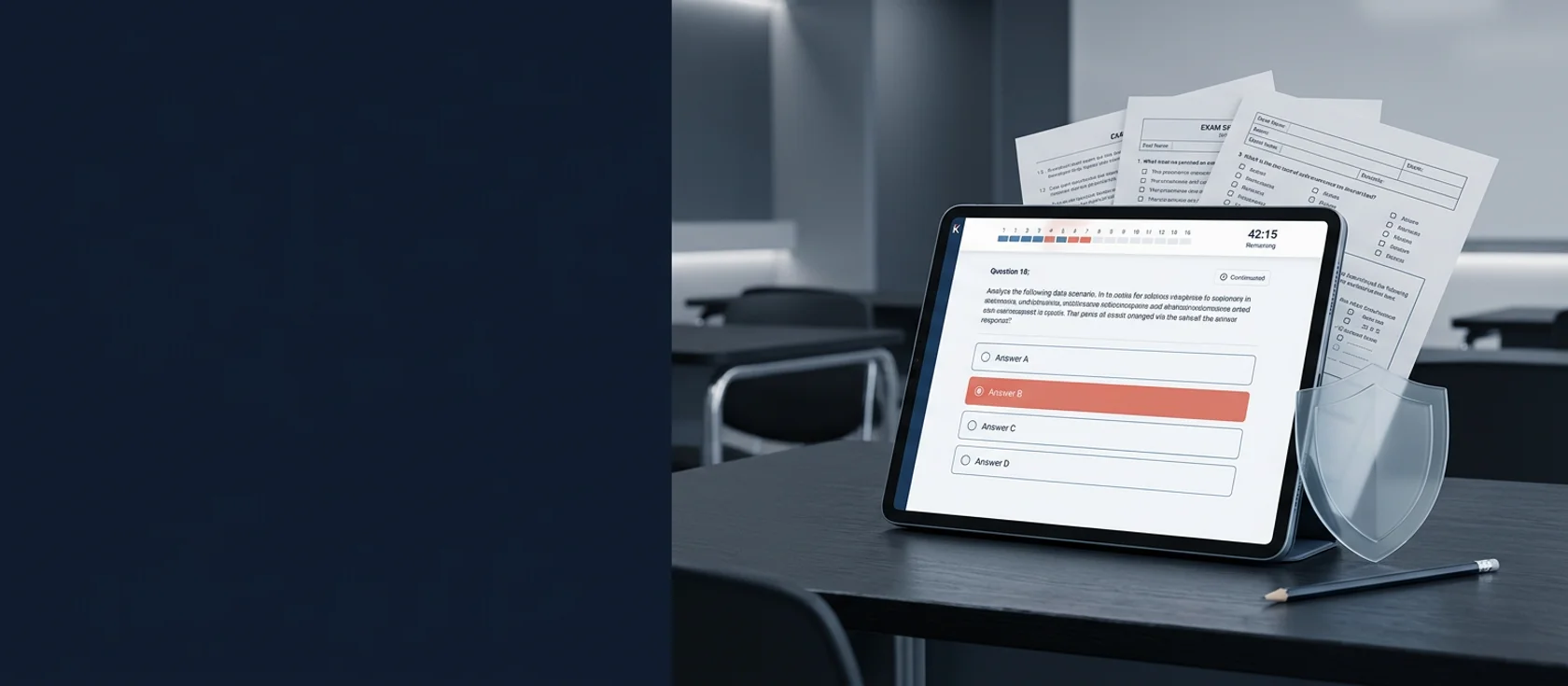
K-Exam
Exams take a week of marking and a folder of paperwork.


EdTech
K-Edusity · K-LMS ERP
Managing school operations and digital learning across disconnected systems.


Astrology
Kastrofy
Consultations, chats and store orders run in separate tools.
How it works
From choosing the right product to preparing your team for launch. We confirm the scope and schedule before we start.
days
to go live
Day 1–2
Confirm the product, workflow and setup requirements.
Day 3–7
Prepare the selected software for the agreed workflow.
Day 8–12
Prepare the information needed to start using the system.
Day 13–15
Walk through the setup with your team and prepare for launch.
Day 1–2
Confirm the product, workflow and setup requirements.
Day 3–7
Prepare the selected software for the agreed workflow.
Day 8–12
Prepare the information needed to start using the system.
Day 13–15
Walk through the setup with your team and prepare for launch.
About Kriscent
1,549+
Projects Delivered
Kriscent builds and supports its own software, the same team installs it, trains your team and answers afterwards.
Certified

CMMI Level 3
Appraised process maturity

ISO 9001:2015

ISO 27001
13+
Years of Experience
1,245+
Clients Worldwide
Reviews & ratings
Client stories
“I'm impressed by their support and hard work.”
 Radhika AggarwalFounder, Ishvaa Life Spirituality
Start with the industry filters on Home or All Solutions, then compare the product descriptions. If you are unsure, contact us with your workflow and we will help you identify a suitable option.
Yes. Use Request a demo on a product card, or contact us with the product name and what you would like to see. Our team will discuss the next steps with you.
Share the workflow and changes you need. Our team will review what the selected product supports and confirm the configuration or customisation scope before work begins.
Our process covers understanding your needs, configuring the solution, preparing your data, and training and launch. The schedule is confirmed before work starts and depends on the agreed scope, data readiness and any third-party dependencies.
Send us the product name and a short description of your requirements. Ask for a quote that explains the software, setup and any ongoing or third-party costs, so you can review the scope before deciding.
Discuss your team's needs when requesting a demo or quote. The training, support arrangements and any ongoing charges should be confirmed for your chosen product and agreed scope.